





Welcome to 
Congratulations! You’re on your way to a cleaner, whiter and fresher smile.
Download the app to get started or scroll down.
Get the AppCheck out these tips before powering on for perfect clean. while you power on.


3 Steps for an All-In-One Clean
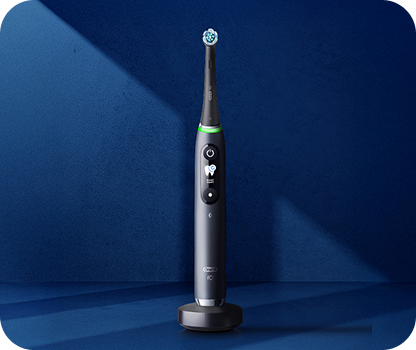
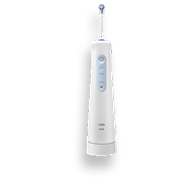
Your brush is charged and ready to go!
All you have to do is: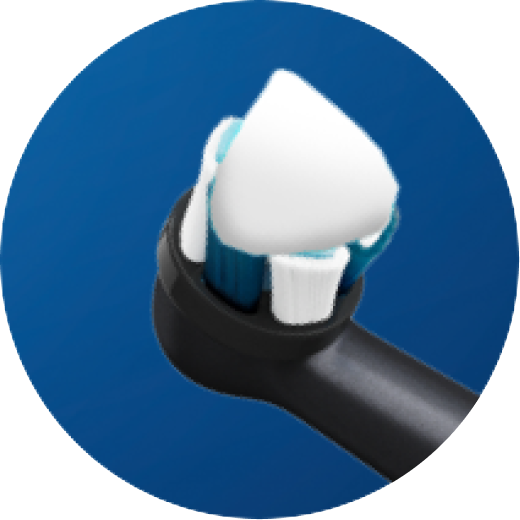
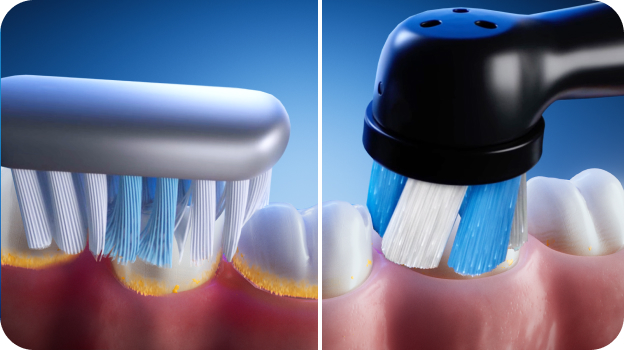
Cover the Brush with Toothpaste
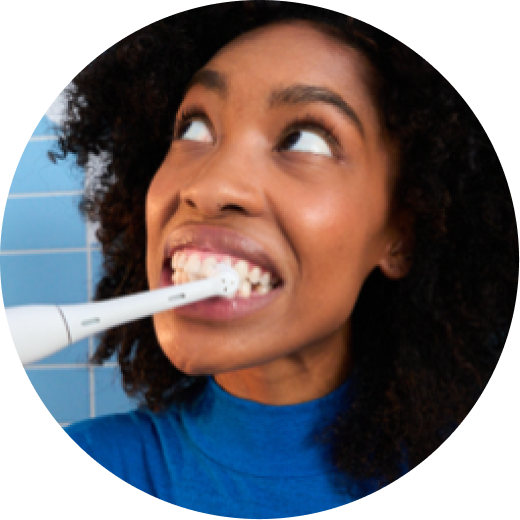
Place in mouth before turning on
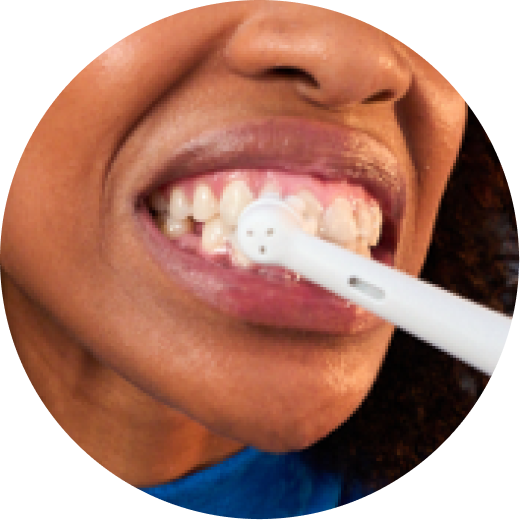
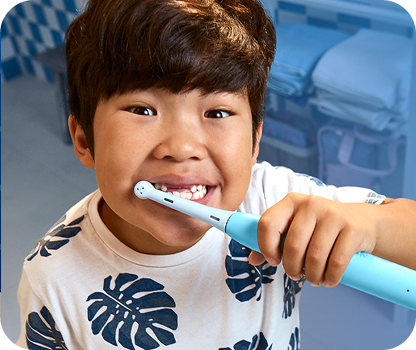
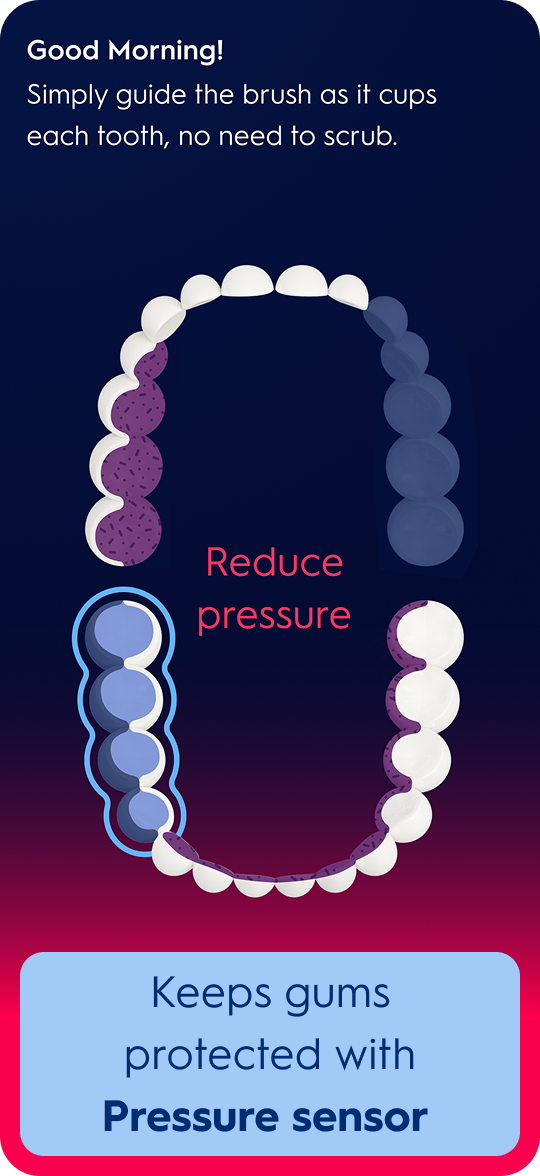
Brush one tooth at a time, no need to Scrub




More Protection with
the Right Pressure
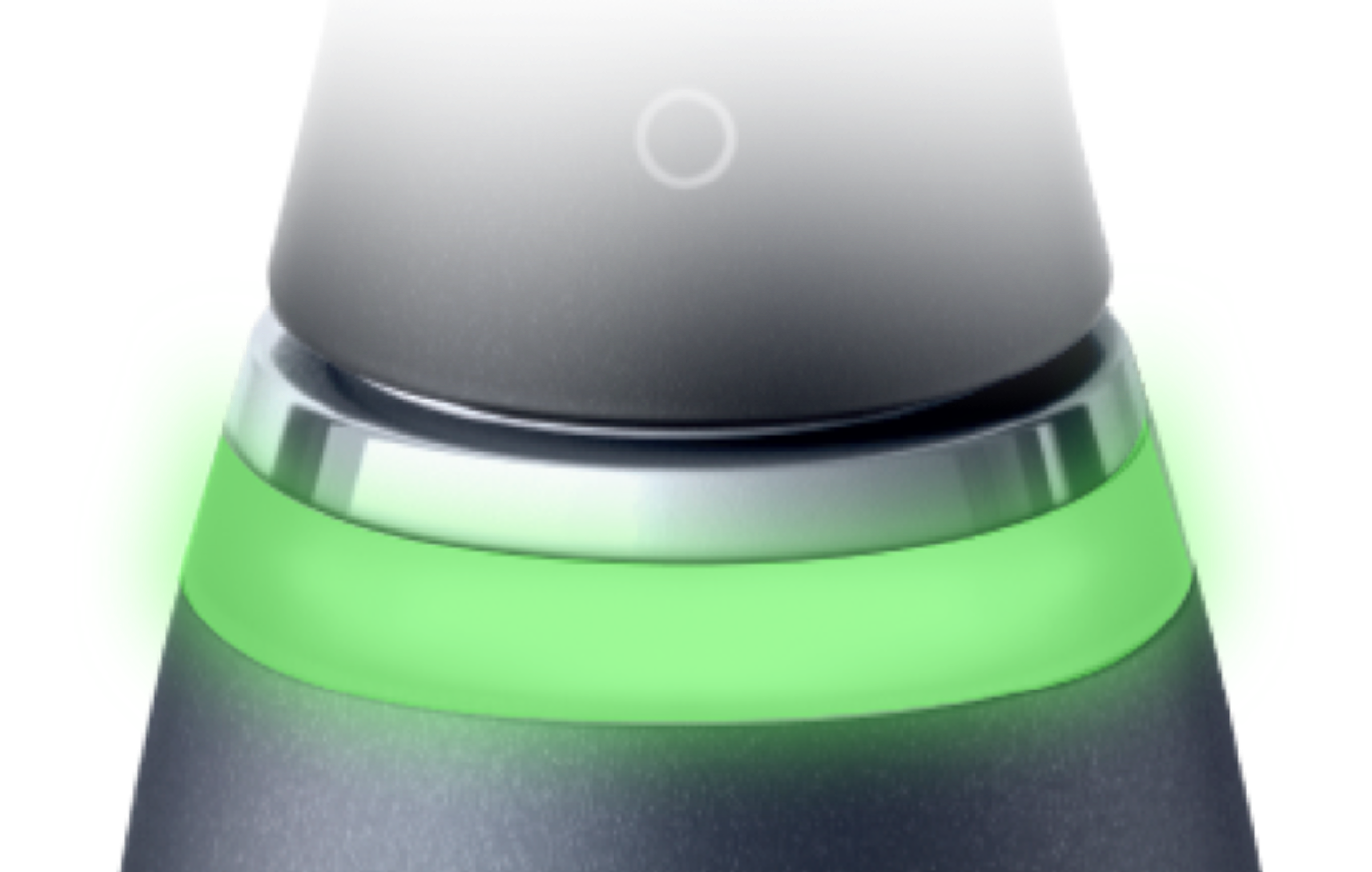
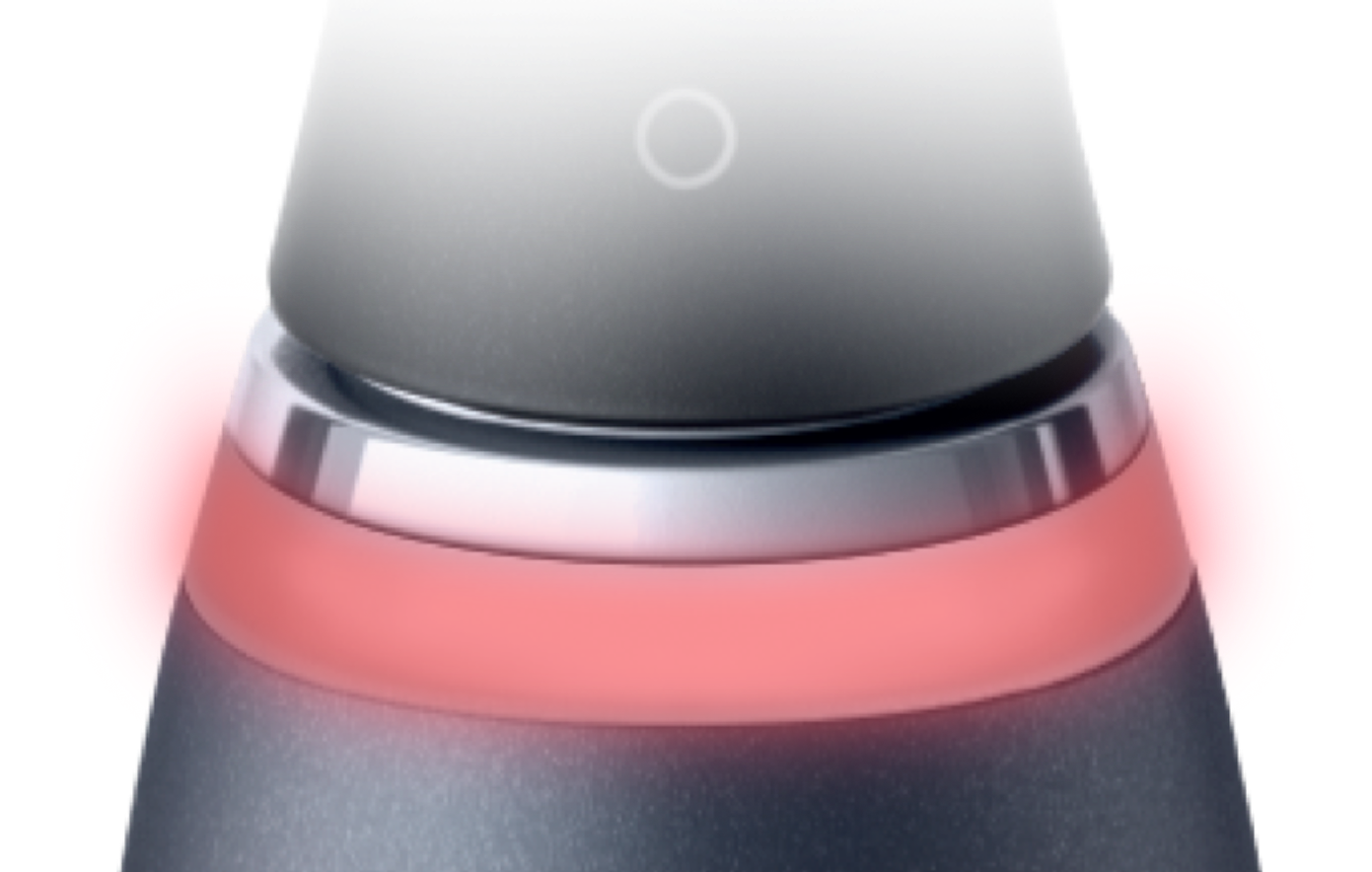
Pressure sensor lights up red and brush automatically slows down when pressure is too strong.

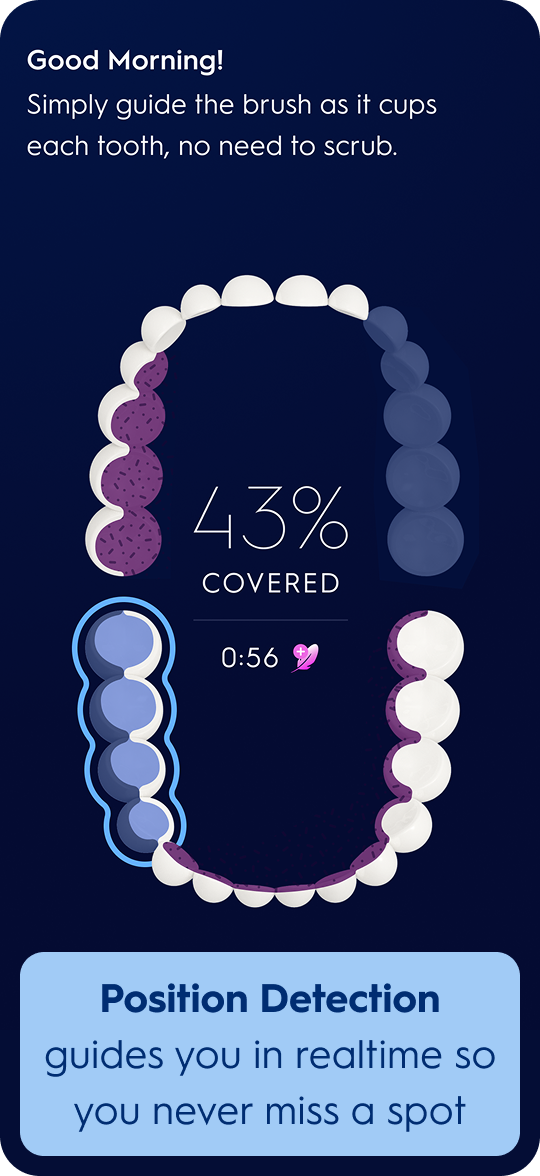
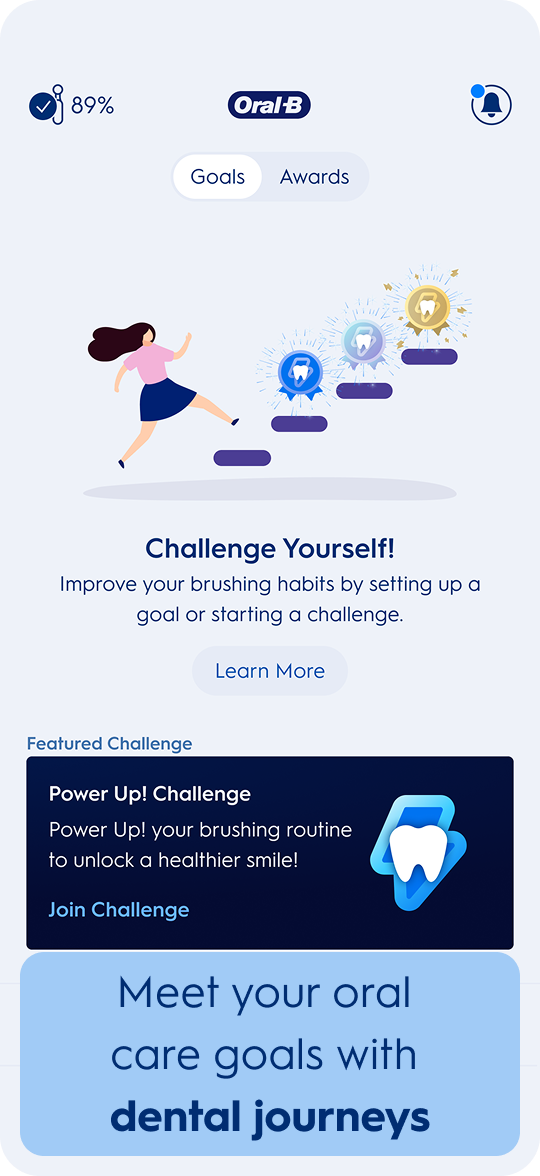
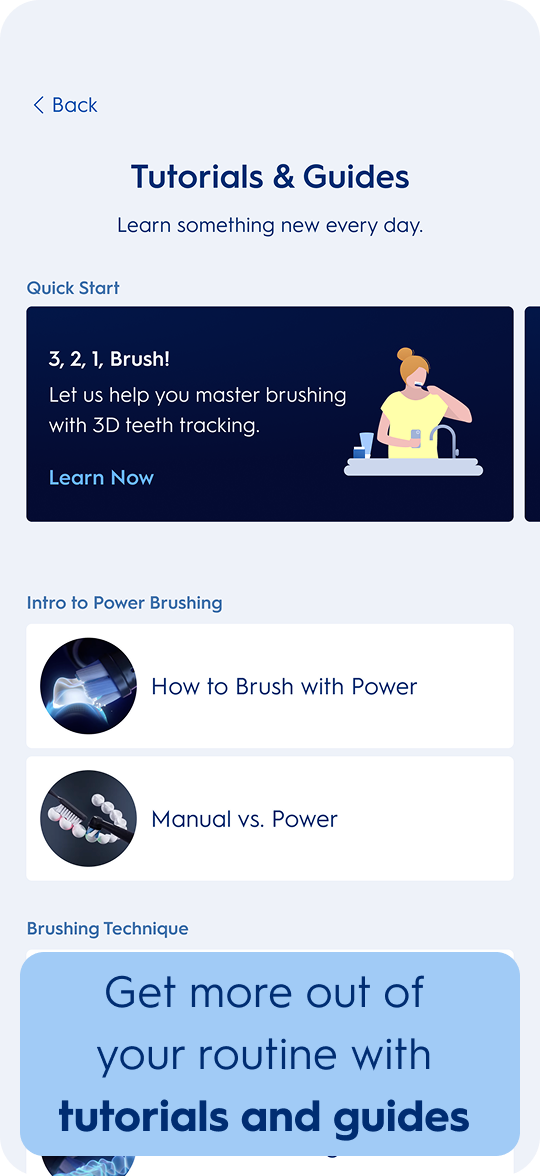
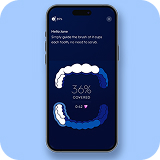
Now You Know How to Brush, Check Out the App
It’s clinically proven to improve oral health*
*Over 82% of people who brushed with Oral-B SmartSeries experienced a noticeable improvement in their oral health Download the App
Personalize brushing with 5 settings to help address your specific oral care issue.
Try out all the settings by pressing the lower button or using the app.
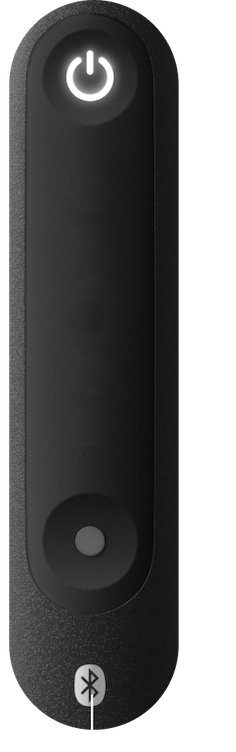
 Click to cycle settings
Daily Clean
Perfect for everyday cleaning and plaque removal

Intense
Cleans hard to reach areas with higher intensity

Sensitive
Lower intensity gently cleans enamel and gums

Super Sensitive
Super gentle cleaning for extra sensitive areas

Whiten
Effectively polishes away surface stains by alternating intensities
The Oral-B App makes it easy to cycle through all the settings!


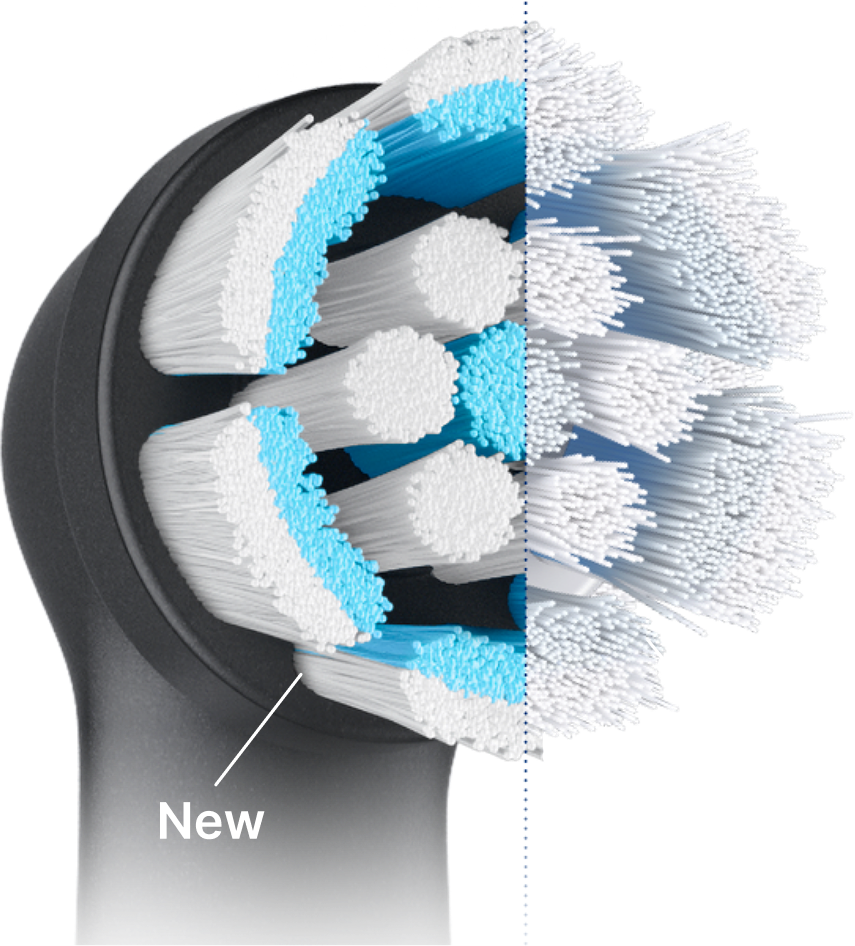
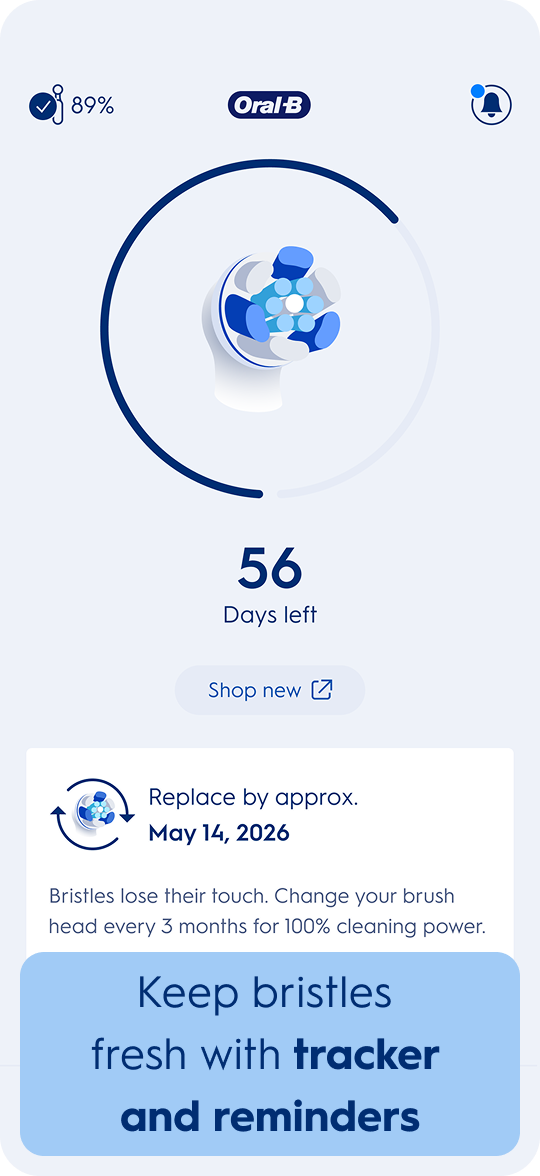
Remember to Replace Your Brush Head Every 3 Months for a Perfect Clean
As bristles wear down, they lose their ability to adapt to your teeth, reducing their cleaning power.
When color fades to white, it's time to change. Regain 100% plaque removal power with a new brush head.
Choose your Calendar



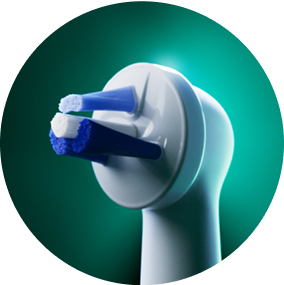
Personalize Further with the Right Brush Head
Select brush head to see more



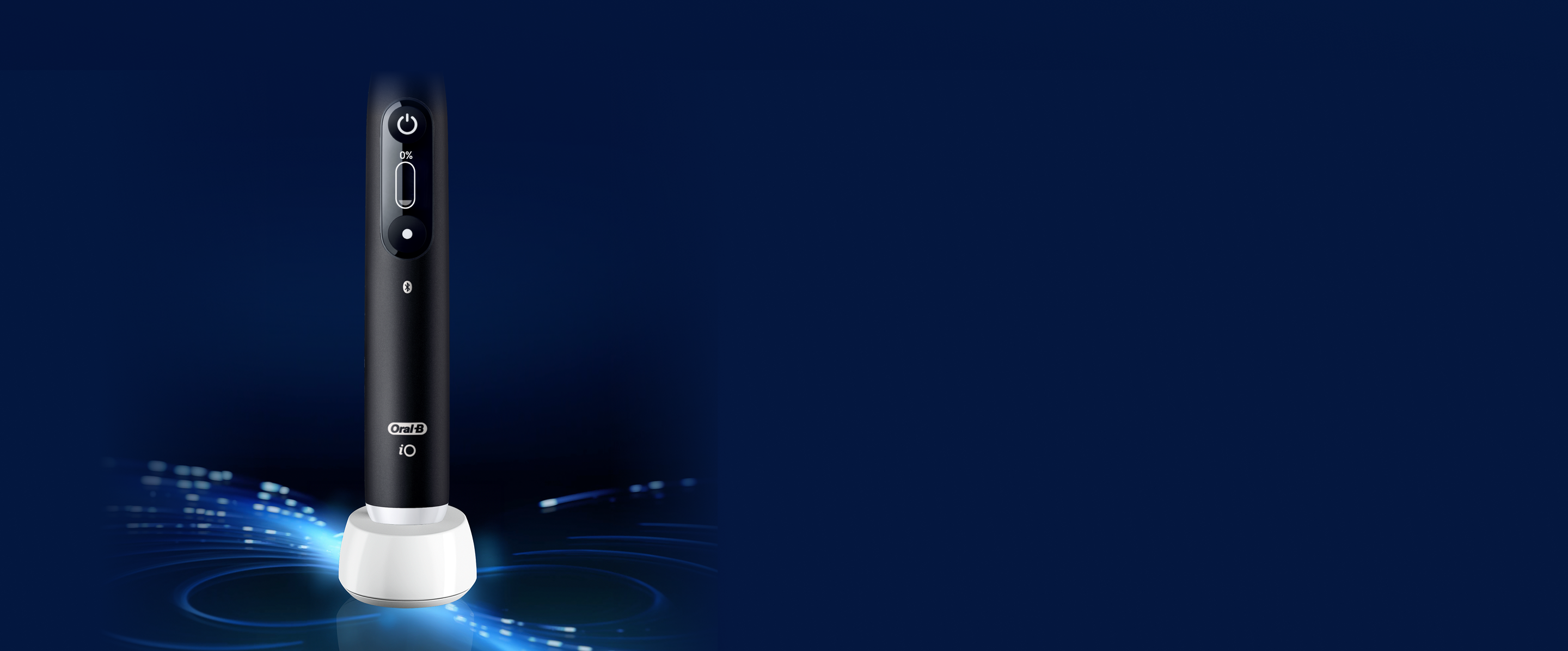
Your Brush Signals
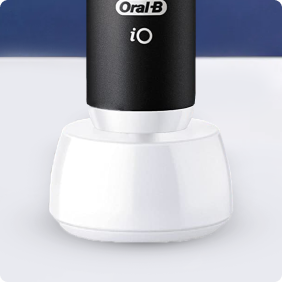
When To Re-Charge
- Place your brush upright on the charging base
- It only takes ~12 hours to get it back to full power!
- Once fully charged, the indicator light will stay on for 10 seconds, then turn off
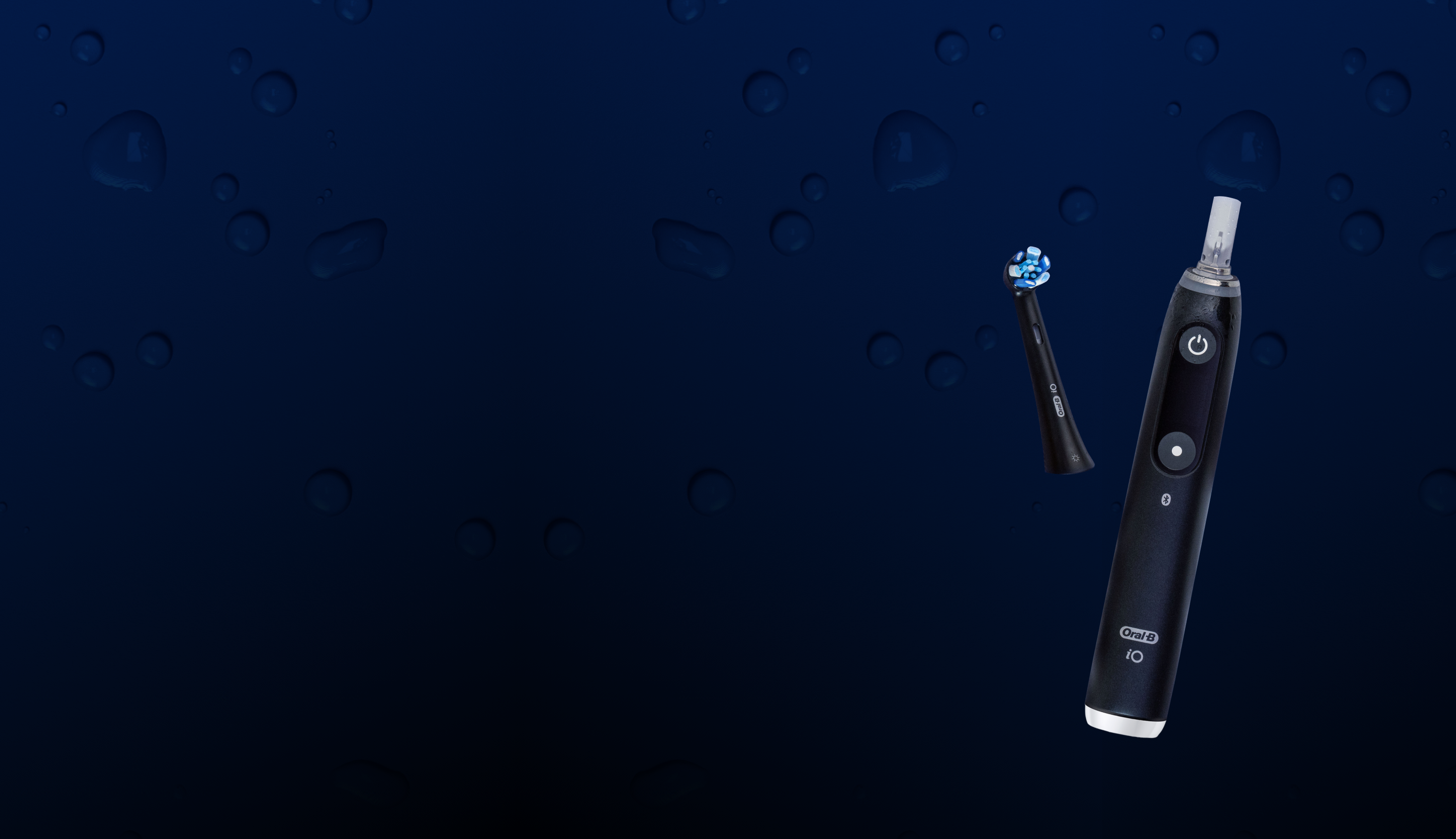
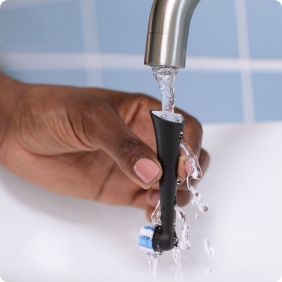
Caring for Your Brush
is Easy— here's how!
Fun fact: your brush is waterproof—some people even use it in the shower.



You're All Set.
 A few things to check off if you haven’t yet:
Choose your Calendar